
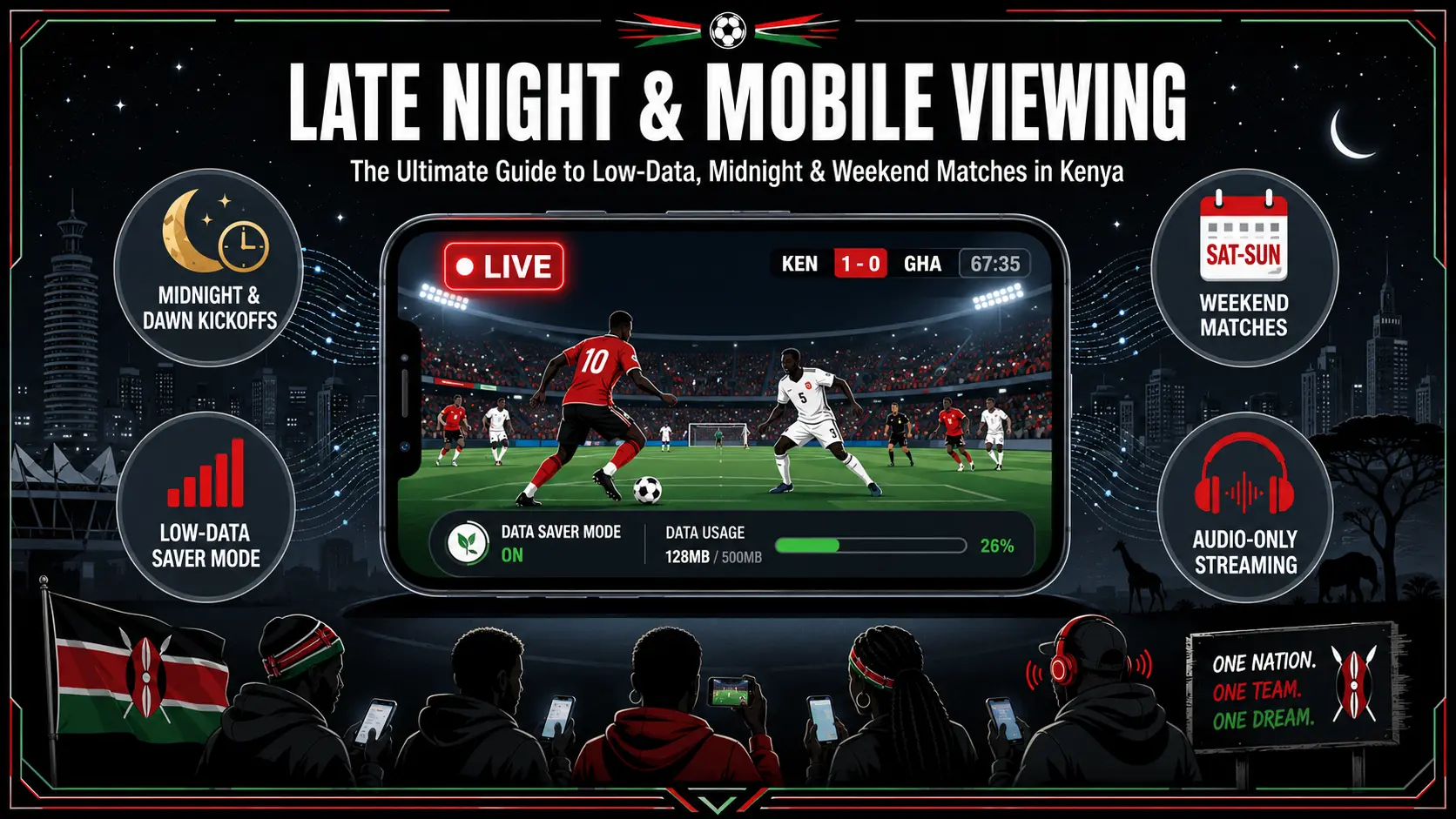
Zero-Data Methods to Track Every 2026 World Cup Match
Bookmarking the Pulser full World Cup 2026 schedule in Kenya Time and saving individual group pages enables complete tournament tracking without data-heavy searches or image-heavy applications. The schedule page displays all 104 fixtures converted to East Africa Time (EAT, UTC+3), allowing fans to avoid repeated search queries that consume megabytes through browser history and search engine data transfers. Search engines often preload images, advertisements, and suggested videos that consume data before the user even clicks a result, whereas a single bookmark provides instant access to kickoff times without loading these heavy elements common on sports portals.
Individual group pages for Groups A through L allow supporters to follow the 48 participating teams without downloading heavy mobile applications. The group and teams schedule page provides direct links to each of the 12 groups where standings and fixtures update automatically. These lightweight pages load only essential text and tables rather than image-heavy social media feeds or animation-rich sports apps that drain data in the background even when running silently.
Screenshots of the knockout bracket structure provide offline access to the Round of 32 progression once the group stage concludes with the top teams advancing. Fans can download the bracket image once rather than refreshing live pages repeatedly during matches to see which teams advanced to the knockout phase. This method maintains awareness of tournament progression without background data drain from continuously open browser tabs checking for real-time updates.
Why Text-Based Pages Save Your Mobile Data Bundle
Static HTML schedule pages use only kilobytes of mobile data compared to the megabytes consumed by sports applications featuring auto-play videos, animations, and advertisements. A typical Pulser schedule page loads in under 50 kilobytes while sports apps with video preload can consume 5 to 10 megabytes per opening. Text-based HTML pages require minimal data per visit while sports apps consume significant megabytes through background processes and location tracking even when not actively used by the viewer.
Pulser match pages follow a predictable lightweight URL pattern and load only essential information without background data drain. Pages use the structure https://pulser.ke/fifa2026-[home]-[away]-[date] to display specific fixtures with kickoff times, venue details, and match status in EAT. The FIFA World Cup 2026 hub connects directly to these lightweight pages without requiring navigation through heavy portal sites that load tracking scripts, third-party cookies, and high-resolution images.
Fifty refreshes of a text-based match page consume less mobile data than opening one video highlight clip or streaming audio commentary. Kenyan fans checking scores every few minutes during a match will use less than one megabyte across the entire ninety minutes of play. This efficiency allows supporters with small daily data bundles of 50MB or 100MB to maintain awareness of multiple simultaneous matches without exhausting their allocation before the final whistle.
Build Your Personal Low-Data World Cup Dashboard
Browser bookmarks for specific match pages create an efficient tracking system that minimizes mobile data usage throughout the tournament. Bookmarks stored in mobile browsers provide one-tap access to specific fixtures using the predictable URL structure without searching or scrolling through extensive lists. Fans can save links to upcoming matches for their favorite teams using the fifa2026-[home]-[away]-[date] format and access them directly from the browser home screen without typing URLs or performing search queries.
Folder structures within browser bookmarks can separate group stage fixtures from knockout Round of 32 pages. Organizing bookmarks by tournament phase allows quick access to relevant fixtures without browsing through the full 104-match schedule repeatedly throughout the day. The group and teams schedule page serves as the starting point for finding specific team pages to bookmark in folders labeled by group letter or by team name for faster retrieval during busy matchdays.
Phone calendar alerts set in East Africa Time eliminate the need for continuously open browser tabs consuming data in the background. Kenyan fans should set local alerts for kickoff times rather than keeping live score websites open throughout matches. Checking bookmarked pages only at halftime and full-time provides score updates while preserving data for other essential uses during the day such as communication or work.
FAQ
What is the cheapest way to follow World Cup 2026 in Kenya without streaming?
Bookmark text-based schedule and match pages that display fixtures in East Africa Time. These pages use minimal kilobytes compared to video streams or mobile applications.
What time zone will World Cup 2026 matches follow for Kenyan viewers?
All match times are displayed in East Africa Time (EAT, UTC+3). Kenya does not observe daylight saving time, so kickoff times remain consistent throughout the tournament.
How can I access specific match details without browsing through the full schedule?
Use the direct match page URL pattern or visit the group pages where individual fixtures are listed. The FIFA hub also provides quick links to every group and match page.